
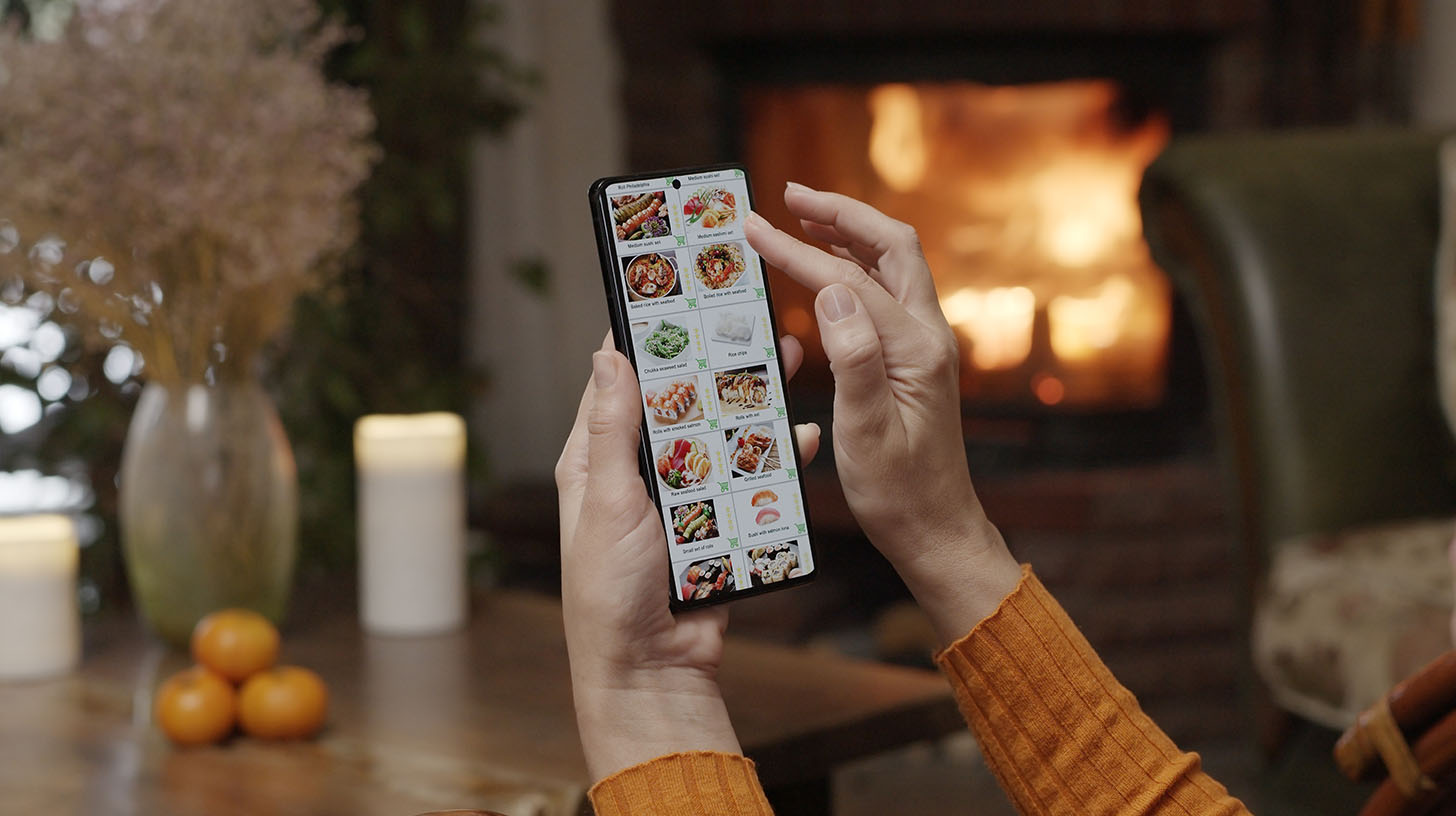

Your online ordering flow is a live marketing touchpoint. Every customer who places an order is giving you a moment of attention and a direct channel to their inbox. What you do with that moment determines whether they order once or become a regular.
- The Marketing Opportunity Inside Every Order
When a guest places an order, three things are true at the same time: they're happy enough with your restaurant to give you money, they're engaged enough to be in your ordering flow, and they're about to receive a confirmation email.
That's a strong position to be in from a marketing standpoint. And yet most restaurants send a transactional confirmation, collect the order, and let the moment pass entirely.
The operators who treat online ordering as a marketing channel use each of those moments intentionally. They capture contact information, they make a specific ask, and they follow up. Here's how to do each.
- Email Capture: The Most Valuable Thing Your Order Flow Can Do
An email address collected at the point of order is one of the highest-quality leads you can have. This person already ordered from you. They know where you are, they like your food enough to pay for it, and they gave you permission to follow up.
Most online ordering platforms have a checkbox or opt-in field that allows customers to subscribe to your email list at checkout. If yours does, make sure it's enabled and visible. If it isn't, check whether you can capture emails through your order confirmation flow and add them to a list manually or through an integration.
One client added a simple email capture prompt to their order confirmation page and added more than 200 contacts to their list in sixty days without changing a single other thing about their marketing. Those contacts cost nothing to acquire and convert at a higher rate than cold audiences because they already have a relationship with the restaurant.
- The Order Confirmation Page: A Moment You're Wasting
After a guest places an order, they land on a confirmation page that typically says some version of "your order has been received." That's the whole page. Thank you, goodbye.
That page has 100% of the attention of a customer who is currently happy with you. It can do more.
Consider adding one of the following:
- A soft ask for a review: "Enjoying our food? We'd love to hear from you on Google." with a direct link
- An invitation to join your email list for specials and updates
- A mention of an upcoming event or new menu item
- A referral prompt: "Know someone who'd love this? Share us with a friend."
You're not adding friction. You're making one additional ask from an audience that is as warm as it's going to get.
- The Confirmation Email: Do More Than Confirm
Your order confirmation email has a near-100% open rate. Everyone who orders checks to make sure their order went through. That email is being read.
Most confirmation emails contain nothing but the order details and an estimated time. That's fine as far as it goes. But after the order details, there's room to add one more thing: a low-pressure invitation to deepen the relationship.
That might look like:
"Thanks for your order. While you're waiting, did you know we do a weekly email with specials, new menu items, and occasional offers for our regulars? You can join here."
Or simply: "We hope you enjoy it. We'd love to see you in person soon, and if you have a minute to leave us a review, it means more than you know."
One sentence. One ask. Read by almost everyone who orders.
- Upselling Inside the Order Flow
Most online ordering platforms support some form of upsell or add-on suggestion. When a guest adds a burger to their cart, the system can prompt: add fries, add a drink, upgrade to the combo. This is standard in fast-casual ordering but underused in full-service restaurant online ordering.
Even a simple "guests who ordered this also added" prompt, populated with your highest-margin add-ons, can increase average order value over time. It doesn't require a sophisticated system. It requires turning on a feature that's likely already available in your platform.
Check your online ordering settings this week. If upsell prompts are available and you haven't configured them, that's money sitting in a setting you haven't touched.
- Using Order Data to Improve Your Marketing
Your online ordering system is generating data about your guests every day: what they order, when they order, how often they return, which items get added and removed. Most operators look at this data only when there's a problem.
A monthly review is more useful. What are your highest-volume online orders? Those items should be featured in your social content and email marketing. What time of day do most orders come in? That's when a promotional push has the most impact. Which customers have ordered three or more times? They're your most loyal online guests and deserve a direct acknowledgment.
The data is already there. It's just not being used.
- Direct Ordering vs. Third-Party Platforms
If your online ordering runs through a third-party platform like DoorDash, Uber Eats, or Grubhub, you're operating under one significant constraint: you don't own the customer relationship. The platform does. You can't email those customers directly, you can't retarget them, and you're paying a commission on every order.
This doesn't mean third-party platforms are bad. They drive volume and visibility, especially for new customers. But the goal should be to convert as many of those customers as possible to direct ordering over time.
A simple insert in every delivery order, a card that says "order direct and save, plus join our email list for regulars-only specials," is the lowest-cost way to start moving that needle.
- What to Audit This Week
If you want to start treating your online ordering system as a marketing channel, run this thirty-minute audit:
- Is email capture enabled at checkout? If not, enable it or add it.
- What does your confirmation page say? Is there room to add one ask?
- What does your confirmation email contain? Is there a next step for the customer?
- Are upsell prompts configured? If not, what's one add-on worth enabling?
- When did you last review your order data? What's your highest-volume item and is it featured in your marketing?
You don't need to fix everything at once. Pick the one that's easiest and do it today. Then come back to the list next week.
- Want Help Optimizing Your Online Ordering Flow?
Book a free call and bring your ordering platform. We’ll walk through your setup and tell you what’s worth changing first.